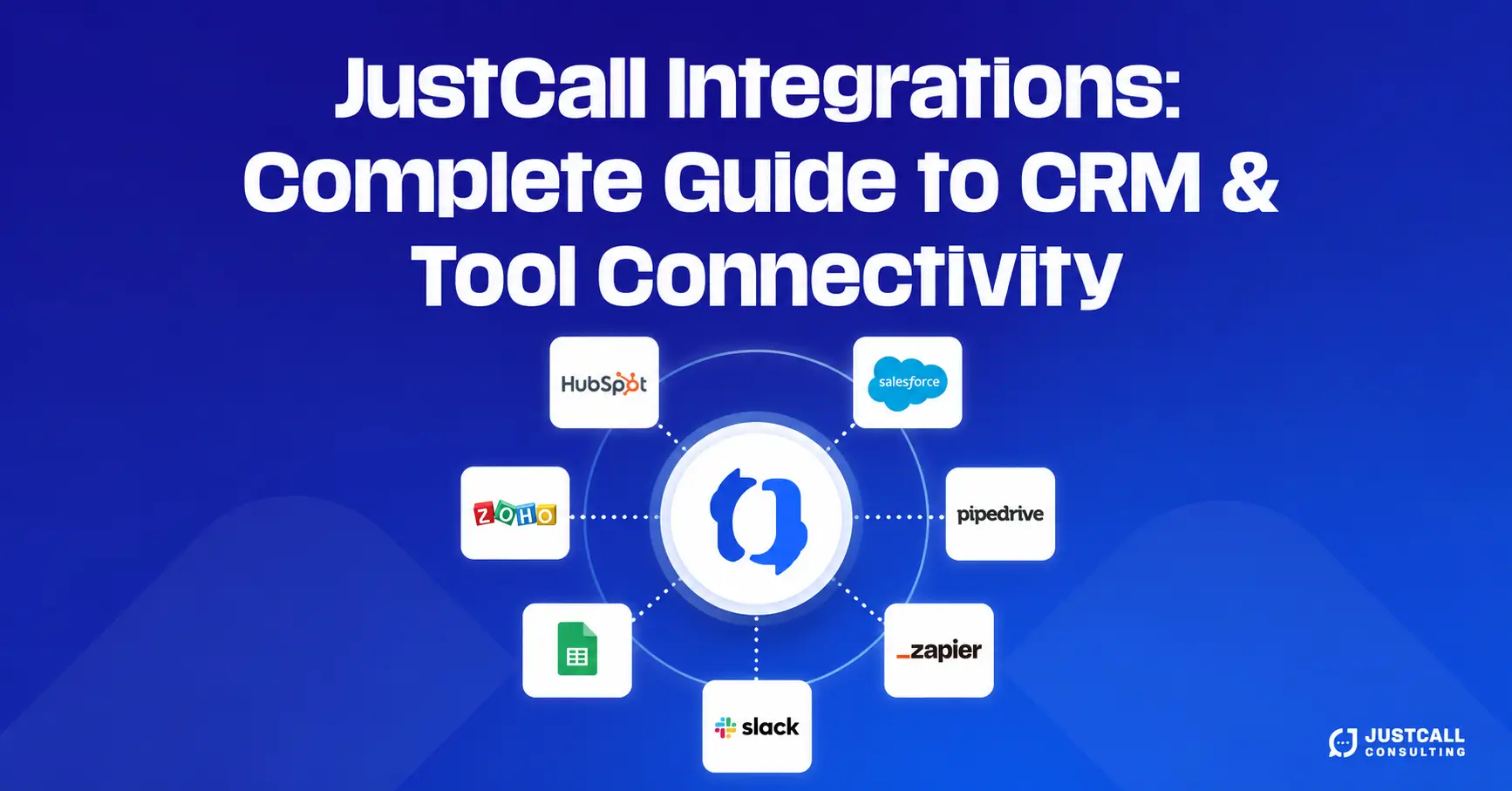
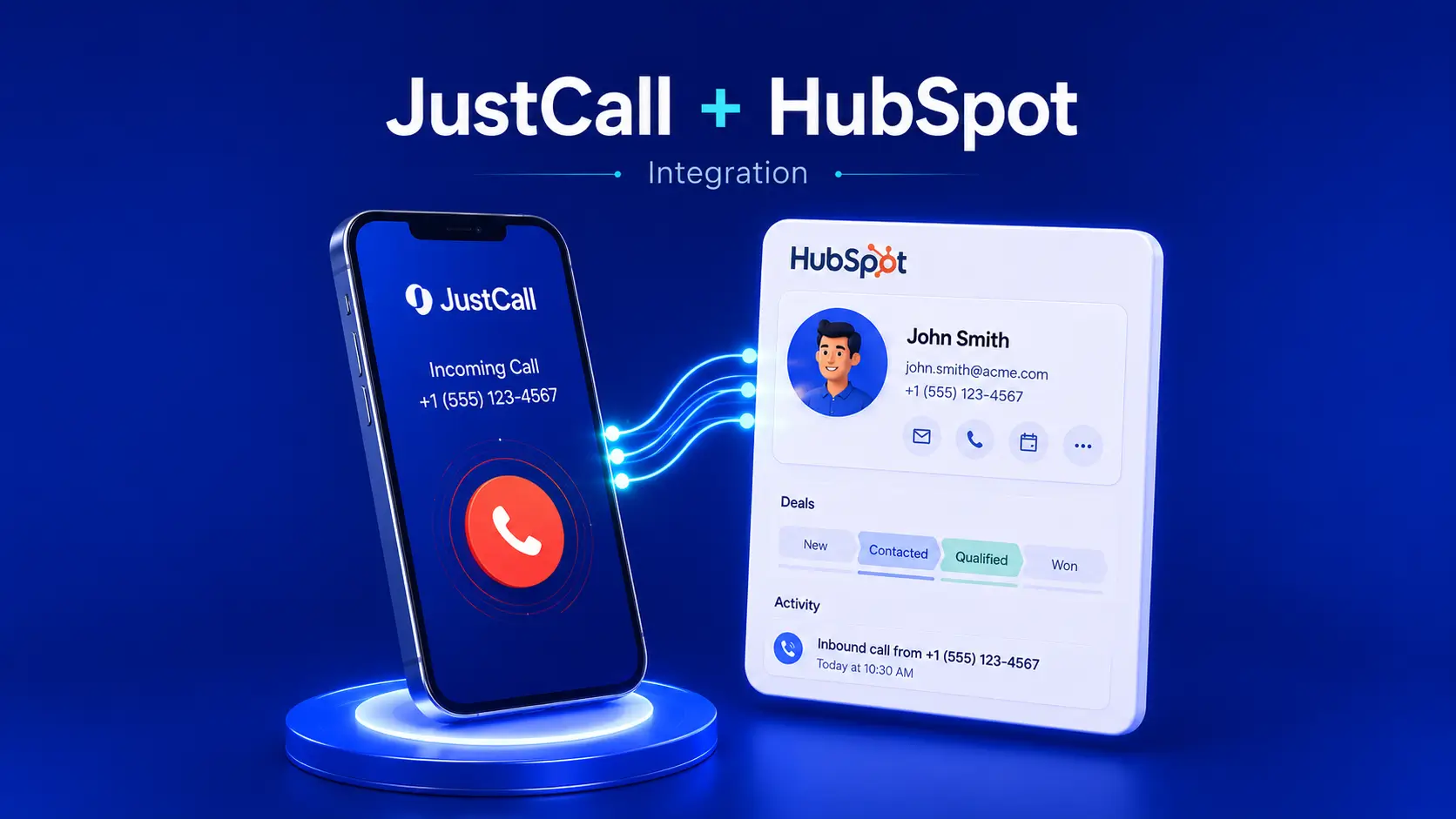
Sales teams lose deals every day because of disconnected tools. Reps forget to log calls, customer conversations vanish into voicemail, and managers struggle to coach without context. The JustCall and HubSpot integration solves these pain points by turning your phone system and CRM into a single, intelligent workflow. When configured correctly, every call, SMS, voicemail, and call recording syncs directly into HubSpot, giving your team a complete picture of every prospect and customer.
This guide walks you through the full setup process, key configuration choices, automation opportunities, and best practices for sales teams that want to scale without losing visibility. Whether you run a five-person sales team or manage a hundred-rep call floor, this integration can dramatically improve productivity, pipeline accuracy, and revenue forecasting.
Why the JustCall and HubSpot Integration Matters for Sales Teams
Modern sales teams operate across multiple channels, including calls, SMS, email, and chat, and switching between platforms wastes valuable selling time. According to industry research, sales reps spend less than 30% of their day actually selling. The rest is consumed by administrative work, manual logging, and searching for context across disconnected systems.
The JustCall and HubSpot integration removes that friction by syncing every communication touchpoint directly into the contact, company, or deal record. Sales managers gain real-time visibility into rep activity, while reps benefit from automated workflows that eliminate repetitive data entry. The result is faster outreach, better pipeline hygiene, more accurate reporting, and a higher conversion rate from lead to customer.

For teams running outbound campaigns, the combination becomes even more powerful. JustCall handles the dialing, SMS automation, and call analytics, while HubSpot manages the lifecycle, sequencing, and reporting. Together, they form a unified sales engagement stack that competes with much more expensive enterprise platforms.
Prerequisites Before You Start the Integration
Before connecting JustCall to HubSpot, confirm a few essentials so the setup runs smoothly without surprises.
You need an active JustCall account on a plan that supports integrations (Team, Pro, or Business tiers typically include HubSpot connectivity). You also need a HubSpot account with administrative permissions, since only admins can install third-party apps and configure data sync settings. Make sure your HubSpot contacts are properly segmented and that you have a clear understanding of which properties, lifecycle stages, and pipelines you want to map.
It also helps to audit your current call workflow. Identify which call outcomes matter most to your team, whether you log SMS as separate engagements, and how voicemails should be handled. Mapping these decisions before installation prevents messy data sync issues later.
Step-by-Step Setup Guide for JustCall and HubSpot Integration
Setting up the integration takes roughly 15 to 20 minutes when done correctly. Follow each step carefully to avoid configuration mistakes that often cause sync failures down the line.
Step 1. Install the JustCall App from the HubSpot Marketplace
Log into your HubSpot account, navigate to the App Marketplace, and search for “JustCall.” Click Install App and grant the requested permissions. These permissions allow JustCall to read and write contact data, log engagements, and access deal and company records. Accept the permissions to continue.
Step 2. Authenticate Your JustCall Account
After installation, HubSpot redirects you to a JustCall login screen. Enter your JustCall admin credentials. If your organization uses single sign-on, complete the SSO process. Once authenticated, the connection between both platforms is established automatically.
Step 3. Configure Sync Settings
Inside your JustCall dashboard, open Integrations, locate HubSpot, and click Settings. Here you decide what data flows between systems. Recommended sync settings for most sales teams include contact sync (two-way), call log sync, SMS log sync, voicemail sync, and call recording attachment. Enable automatic contact creation so unknown numbers automatically generate new HubSpot contacts during inbound calls.
Step 4. Map Custom Properties and Call Dispositions
This step often gets skipped, but it makes a huge difference. Map JustCall’s call dispositions (interested, not interested, callback, voicemail, wrong number) to HubSpot properties or workflows. Doing this allows automated lifecycle stage updates and triggers downstream sequences. If your team uses custom fields like “lead source,” “campaign,” or “rep notes,” map those too.
Step 5. Test the Integration With a Live Call
Make a test call from JustCall to a known HubSpot contact. Within seconds, the call should appear on the contact’s timeline with duration, recording, and disposition. Send a test SMS and verify it also logs correctly. If anything fails to sync, revisit your permissions and sync settings before troubleshooting deeper.
Best Practices to Maximize the Integration
Installing the integration is only the beginning. The teams that get the most value treat configuration as an ongoing optimization process rather than a one-time setup.
Start by training your reps to use call dispositions consistently. Inconsistent tagging breaks reporting and makes coaching harder. Build HubSpot workflows that respond to JustCall activity. For example, automatically moving a deal stage when a discovery call is completed, or triggering a follow-up sequence when a voicemail is left. Use call recordings inside HubSpot for coaching sessions, allowing managers to review conversations without leaving the CRM.
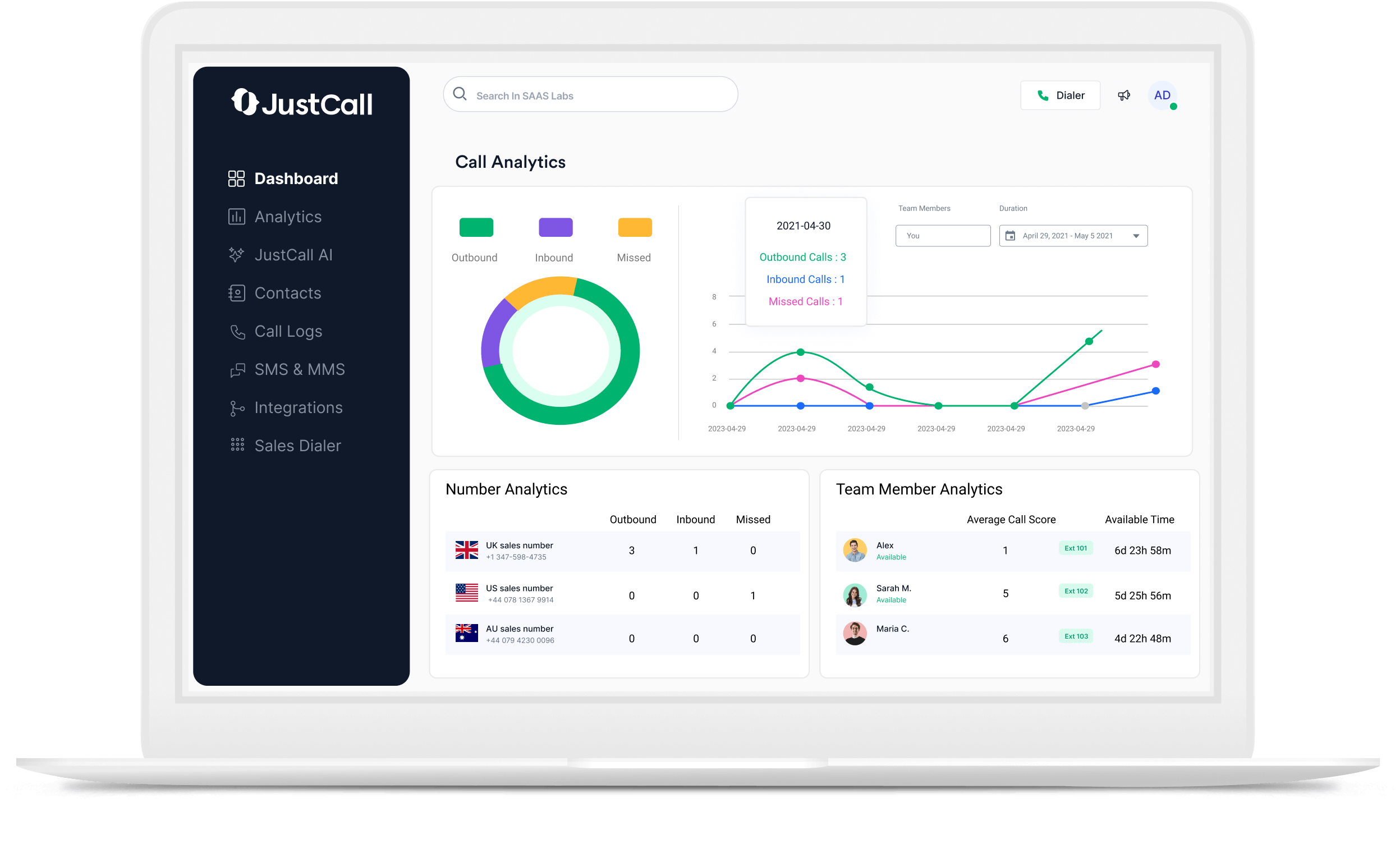
Sales leaders should also build dashboards that combine JustCall metrics (call volume, talk time, connection rate) with HubSpot pipeline data (deals created, closed-won rate, revenue). This unified view exposes which activities actually drive revenue, helping you double down on what works and eliminate what does not.
Common Issues and How to Fix Them
Even well-configured integrations occasionally hit hiccups. The most common issue is calls not syncing to contacts, which usually happens when phone numbers in HubSpot lack proper formatting or country codes. Standardize all numbers to E.164 format (+1XXXXXXXXXX) to fix this immediately.
Another frequent issue is duplicate contact creation. This occurs when JustCall cannot find a match because of slight formatting differences. Run a HubSpot deduplication audit and tighten your contact creation rules. If call recordings fail to attach, check your JustCall storage plan and HubSpot file permissions.
When sync delays occur, they often trace back to API rate limits during high-volume periods. Reach out to JustCall support or escalate through a certified integration consultant for advanced cases.
How JustCall Consulting Helps Sales Teams Scale Faster
Get Expert Help With Your JustCall + HubSpot Setup
Configuring JustCall and HubSpot correctly the first time saves months of cleanup work and lost productivity later. At JustCall Consulting, we help sales teams design, implement, and optimize integrations tailored to their workflows, pipelines, and revenue goals.
From custom property mapping to advanced automation and reporting dashboards, our team handles the technical heavy lifting so your reps can focus on closing.
Explore our services and see how we transform sales operations.
Advanced Use Cases for High-Performing Sales Teams
Once your basic integration is humming, you can unlock advanced workflows that separate top-performing teams from average ones. Use SMS automation triggered by HubSpot workflows to send appointment reminders, follow-ups, and re-engagement messages. Combine call analytics with deal data to identify which scripts, openings, or objection-handling techniques correlate with closed-won outcomes.
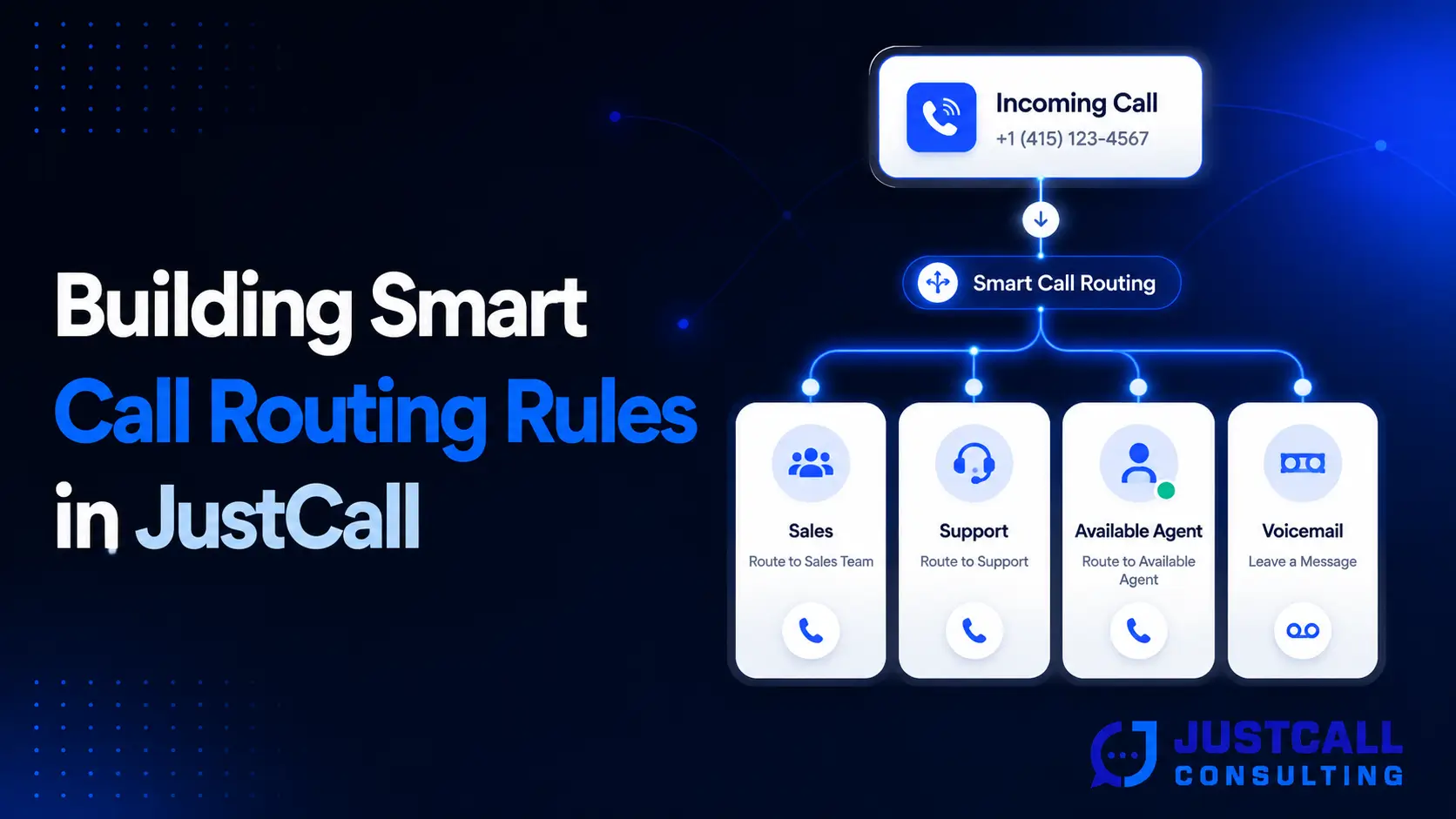
For inbound-heavy teams, build smart routing rules in JustCall that direct calls to the right rep based on HubSpot contact ownership, deal stage, or territory. This eliminates the dreaded “who’s handling this account?” question and ensures every prospect speaks to the right person on the first ring.
Power users can also layer in AI features. JustCall’s conversation intelligence transcribes and analyzes calls, while HubSpot’s workflow automation acts on those insights. Together, they create a coaching and revenue intelligence layer most sales teams cannot afford to build internally.
Ready to Transform Your Sales Workflow?
Whether you are setting up JustCall and HubSpot for the first time or scaling a complex multi-team deployment, getting expert guidance pays for itself within weeks. The team at JustCall Consulting has helped sales organizations across industries streamline operations, increase rep productivity, and turn their tech stack into a true revenue engine.
Book a free consultation today and start closing more deals with less friction.
Final Thoughts on the JustCall and HubSpot Integration
The JustCall and HubSpot integration is one of the highest-leverage moves a sales team can make. It eliminates manual logging, surfaces meaningful insights, enables intelligent automation, and gives leaders the visibility they need to coach and forecast accurately. The setup is straightforward, but the long-term value depends on how thoughtfully you configure dispositions, workflows, and dashboards.
Treat this integration as a strategic investment rather than a quick install. Audit your processes, map your data carefully, train your team on consistent usage, and continuously refine based on what your reports reveal. When done well, this integration becomes the operating system of your sales engine, quietly powering every call, conversation, and conversion behind the scenes.