

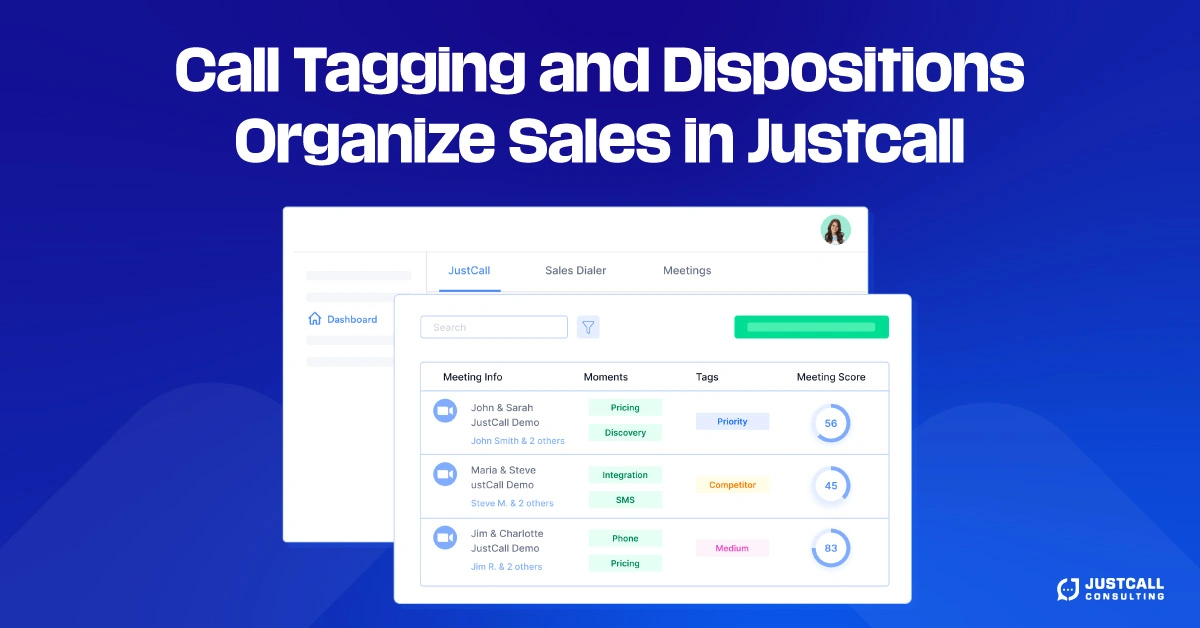
In sales, conversations move fast. Without structure, it’s easy to lose track of what happened, what was promised, and what comes next. That’s why call tagging and dispositions are essential tools in any modern sales workflow. They give your team a consistent way to label calls, sort leads, and trigger actions based on real-time conversations.
Whether you’re using a dialer like JustCall or managing calls from your CRM, organizing sales interactions through tags and dispositions turns messy data into clean, usable insights that drive revenue.
Why Call Tags and Dispositions Matter?
Think of your call tags as labels and your dispositions as outcomes. When applied consistently, they give visibility into every stage of the sales process from cold outreach to demo scheduling to deal closing.
Without them, your team is left to guess. Reps may forget to follow up, managers can’t prioritize leads, and marketing can’t segment prospects effectively. But with tagging in place, the entire customer journey becomes trackable.

CRM systems, such as HubSpot, Pipedrive, and Salesforce, often rely on these labels to launch workflows, assign tasks, or trigger nurturing sequences. When tagging is done well, the entire system flows more smoothly.
Using Tags to Group Leads by Interest or Objection
Let’s say your rep speaks to five leads today. Two are ready to book a demo, one asked for pricing, one wasn’t a fit, and one didn’t answer. If every one of those outcomes gets tagged properly, you now have clarity.
A lead marked “Hot – Call Back AM” signals urgency and indicates to the next representative when to follow up. Another tagged “Demo Scheduled” can be sent into a confirmation email workflow or added to a calendar sync tool. Someone marked “Not a Fit” can be excluded from future campaigns.
Tagging helps reps focus on high-priority leads while keeping your marketing database clean and organized. It also helps you build custom call lists, such as “follow up in 3 days” or “called but not reached.”
Dispositions That Trigger Action
Dispositions are more than just labels; they’re signals to your system. For example, marking a call as “Voicemail Left” can trigger an automatic SMS or email. A disposition like “Not Interested – Call Later” might add the lead to a long-term nurture sequence.
This level of automation is only possible when your team uses clear, standardized outcomes. You eliminate guesswork and ensure no lead is lost due to human error.
In JustCall, for instance, dispositions can be customized and mapped directly to CRM fields. This enables seamless synchronization between your call activity and customer data.
Examples of Effective Tags and Dispositions
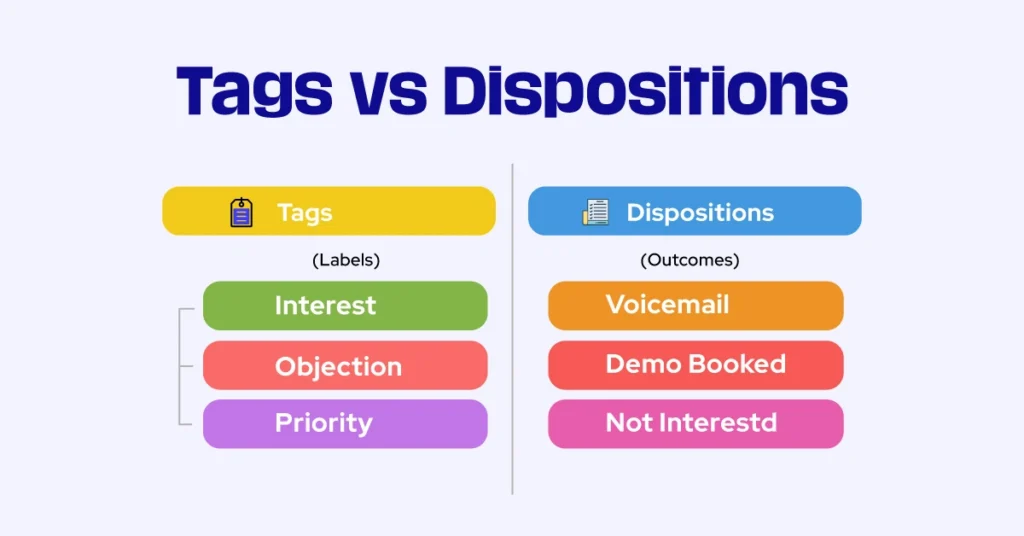
Here are a few practical examples of tags and call outcomes that improve sales workflows:
Hot – Call Back AM: Indicates high intent and a specific time to reconnect
Voicemail Left: Confirms that a message was delivered and may trigger follow-up
Demo Scheduled: Marks a successful conversion and moves the lead to the next stage
Not a Fit: Keeps unqualified leads out of future pipelines and saves rep time
Requested Info: Flags leads who need materials or details before proceeding
By using a combination of interest level, objection type, and next steps, you create a clear record of every interaction and reduce follow-up friction.
Benefits of Consistent Call Tagging Across Teams
Sales is a team sport. When one rep logs a lead correctly, it helps the next person who touches that account. This is especially important in multi-touch sales cycles or when working in a handoff model between SDRs and AEs.
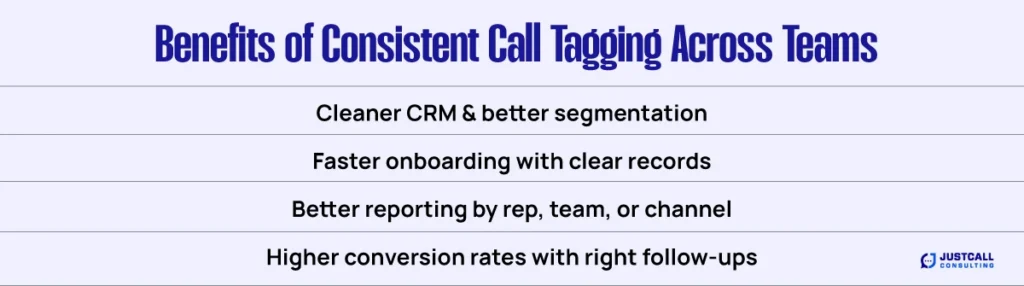
Consistent tagging and call outcomes deliver the following benefits:
- Cleaner CRM records, with less duplication and better segmentation
- Faster onboarding, since new reps can understand lead status at a glance
- Better reporting, allowing managers to track call outcomes by rep, campaign, or channel
- Higher conversion rates, when the right follow-ups happen at the right time
And when data is clean, it feeds better into AI tools, lead scoring models, and sales forecasts.
Bring Order to Sales Chaos with Smart Tagging
If you’re running a fast-moving sales team and still relying on memory or handwritten notes, it’s time to make the shift. Call tagging and dispositions help organize your conversations, empower your CRM, and ensure that every lead gets the right follow-up.
With the right structure in place, your team saves time, makes fewer mistakes, and drives more consistent results. Implement call tagging today and watch your pipeline clarity improve overnight.