

If you’re aiming to close more deals, meet outreach targets, or simply enhance your sales team’s performance, guesswork won’t suffice. You need real data and clear insights into what’s working and what’s falling flat.
That’s where JustCall’s Call Analytics Dashboard becomes your secret weapon. It goes far beyond tracking dials. With visibility into every aspect of your team’s calling behavior, it empowers you to coach smarter, optimize call strategies, and ultimately drive better results across the board.
What Is the JustCall Analytics Dashboard?
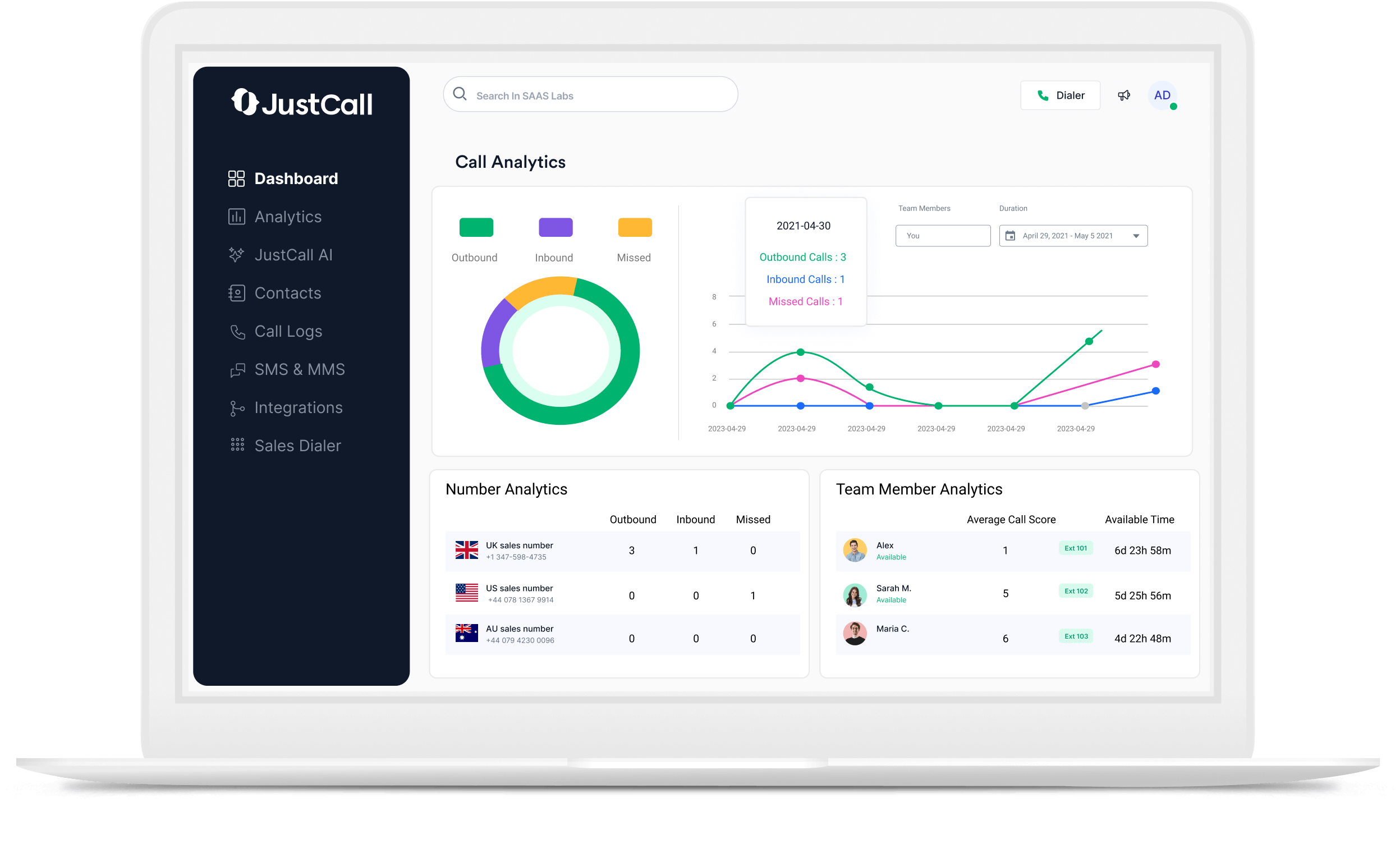
The JustCall analytics dashboard is a visual control panel that aggregates call data from your sales or support teams in real time. It breaks down performance by user, team, and timeframe so you can pinpoint exactly what’s driving conversions or blocking them.
This dashboard isn’t just for managers. Agents can use it to monitor their own productivity, set personal benchmarks, and self-correct without waiting for a quarterly review.

Key Metrics to Track in JustCall Analytics

Let’s look at the most valuable KPIs and insights available within JustCall’s reporting dashboard.
1. Call Volume by Rep or Team
See how many calls each agent is making over a day, week, or month. This helps you track output levels, spot bottlenecks, and compare performance across teams or territories.
High call volume doesn’t always equal success, but it’s the foundation. Without a consistent baseline of outreach, nothing else matters.
2. Average Talk Time
Talk time shows how long reps are actually engaged with prospects. Short calls could mean rushed conversations or disinterest. Long calls might indicate high-value leads or reps getting stuck without a clear CTA.
Use this metric to strike a balance between quantity and quality. If talk time is increasing but conversions aren’t, it may be time to refine scripts or objection handling.
3. Answer Rates and Missed Calls
High answer rates often indicate that you’re calling at the right time and your caller ID appears trustworthy. On the other hand, a spike in missed calls may indicate poor timing, outdated contact information, or a representative not being responsive enough.
This data helps you refine your contact strategy both for initial dials and follow-ups.
4. Call Outcomes and Dispositions
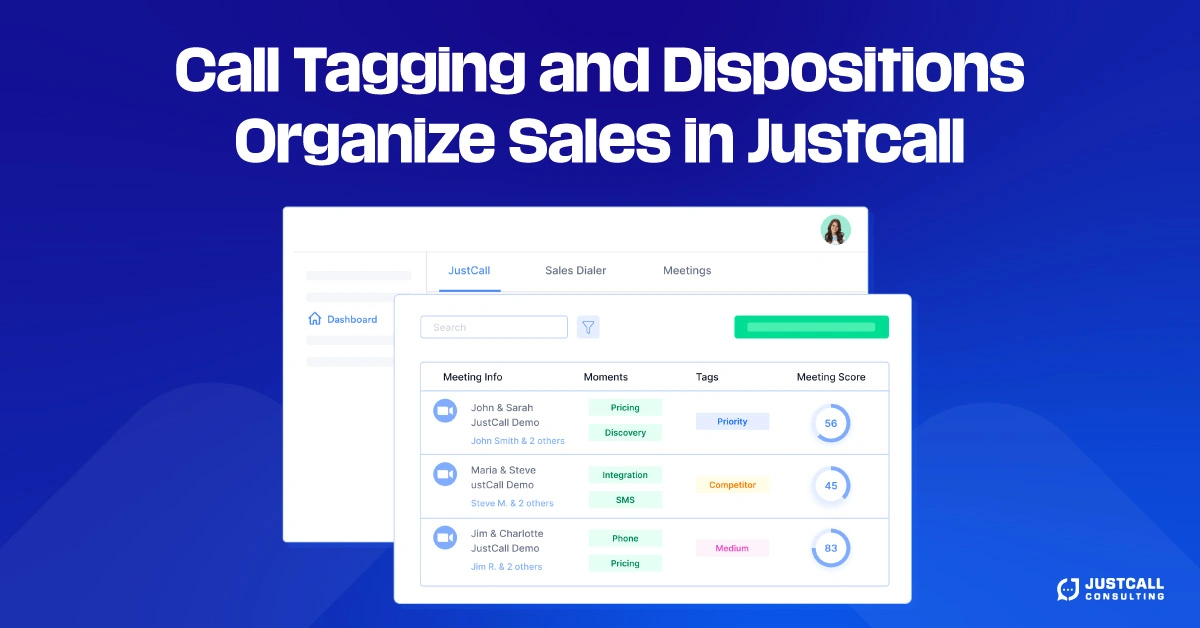
Every call should have an outcome. JustCall allows reps to tag or categorize each conversation with labels like:
- No answer
- Qualified lead
- Left voicemail
- Not interested
These tags let you analyze patterns over time. You can sort by disposition to understand the percentage of calls that are converting and which representatives are securing more qualified conversations.
5. Best Time to Call
Over time, JustCall’s analytics reveal your best call windows based on actual connection rates. For example, you might find that 10:30 a.m. on Tuesdays yields a 30% higher pickup rate than late Friday afternoons.
Use this insight to time your outreach for maximum impact and schedule power dialing sessions during your team’s peak windows.
How to Use Analytics to Improve Rep Performance?
Data is only useful if it leads to action. Here’s how to apply JustCall’s analytics to real-world coaching and strategy.
Coach Reps with Data, Not Opinions
When a rep’s conversions drop, don’t guess. Use the dashboard to examine talk time, call volumes, and outcomes. Maybe they’re making fewer calls, rushing conversations, or calling outside optimal time windows. You can tailor your coaching session to address specifics.
Forecast Team Output Based on Talk Time
If your average talk time per lead is five minutes and each closed deal requires 25 minutes of conversation, you can backtrack how many calls reps need to make weekly to hit goals.
This makes planning more scientific and helps reps understand how activity levels directly tie to revenue outcomes.
Test and Optimize Call Cadence
Review answer rates and dispositions weekly. If no one responds on the first contact, experiment with different timing or follow-up intervals. Over time, you’ll find a rhythm that improves both answer rates and conversation quality.
Reporting Frequency: Weekly Checks, Monthly Optimization
To make the most of JustCall’s call analytics:
- Check reports weekly to spot changes in real time and course-correct quickly.
- Optimize campaigns monthly based on aggregated data, including peak hours, representative performance, and pipeline progression.
- Run quarterly reviews to connect call behavior with revenue outcomes and campaign ROI.
By tracking consistently, you’re never flying blind.
Why JustCall Beats Manual Call Tracking?

Before tools like JustCall, sales teams were limited to using spreadsheets or disjointed CRM data. That made it difficult to determine what was truly driving performance.
JustCall changes that by giving you one platform to manage:
- Call activity
- Outcome tracking
- Real-time analytics
- Historical comparisons
- Team benchmarking
It brings the full picture into focus so your decisions are guided by data, not gut feeling.
Conclusion: From Metrics to Momentum
Better sales performance starts with better visibility. With JustCall’s call analytics, you no longer have to guess who’s performing, when to call, or why reps aren’t hitting targets.
You can coach confidently, plan intelligently, and adjust quickly.
Want higher productivity across your team? Start measuring what matters. The data is already there you just need to start using it.