First impressions matter in business. Whether you’re a solo consultant or managing a growing remote sales team, sounding professional on the phone makes all the difference. That’s where JustCall’s call routing tools come into play. Features like IVRs, call queues, and business hours automation help even small teams operate with the polish and precision of a large enterprise.
In this guide, you’ll learn how to create a seamless phone experience for your customers using JustCall’s built-in call handling features.
What is an IVR and Why Does it Matter?
An Interactive Voice Response (IVR) system, also known as a phone tree, is what your callers hear when they first dial your business. Think of it as your brand’s front desk. It allows callers to choose options like “Press 1 for Sales” or “Press 2 for Support” so their calls get routed to the right person without delay.
How to Set Up IVRs in JustCall?

Setting up IVRs in JustCall is simple and flexible:

- Create multiple menu options, such as departments, locations, or languages.
- Route each option to a specific user, team, or even an external number.
- Upload or record a custom greeting that introduces your business and outlines the options.
- Add hold music or short audio messages to engage callers while they wait.
This gives your brand a polished, structured presence even if you’re operating with a lean team. Use natural, conversational language in your IVR greeting to create a more engaging experience. Avoid robotic tones. This keeps the experience warm and human.
Call Queues: Manage High Volume with Less Chaos

If your team handles more calls than one person can take at a time, call queues are a lifesaver. Instead of sending callers to voicemail right away, JustCall lets you hold them in line and distribute the calls to available agents as soon as someone is free.
Call Queue Features in JustCall
- Calls are placed in a queue and automatically routed based on rep availability.
- You can set max queue time or caller wait limits.
- Add fallback rules that send the caller to voicemail if no one answers.
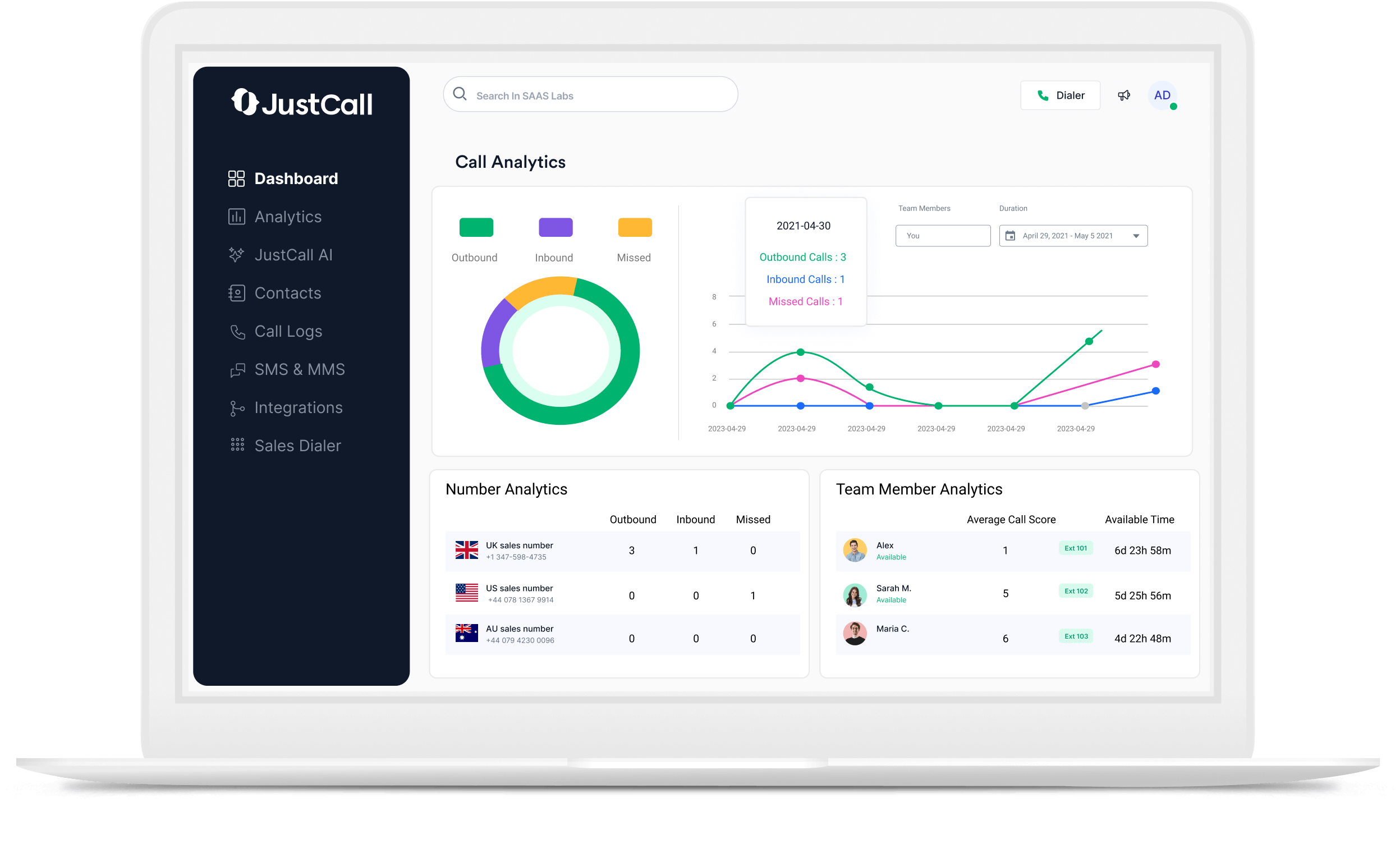
- Monitor queue statistics, such as average wait time and abandonment rates, to optimize performance.
Call queues not only reduce missed opportunities but also ensure fairness in how calls are distributed across your team.
Bonus Insight: JustCall also enables you to monitor and coach calls in real-time, providing full control over quality assurance even during peak hours.
Business Hours: Respect Everyone’s Time
Setting up business hours within JustCall helps your team control availability and respect customer expectations. You don’t want your phone ringing at 10 p.m. if your reps sign off at 6 p.m.
How to Configure Business Hours in JustCall?
- Define working hours for each user, team, or phone number.
- Route calls outside of those hours to voicemail or an after-hours support provider.
- Use time zone rules for teams in multiple regions.
- Customize greetings for after-hours callers to manage expectations or offer next steps.
By automating call handling based on time, you avoid burnout, improve team balance, and provide callers with a consistent experience regardless of when they reach out.
How do these Features Work Together for a Better Experience?
Let’s say a customer calls your business during lunch on a Friday. Here’s how a properly set-up system handles it:
- They’re greeted by your IVR that says, “Thanks for calling [Your Business]. Press 1 for Sales, 2 for Support.”
- If they press 2, they’re routed into a call queue where they wait for the next available support agent.
- If no agents are available and it’s after business hours, they are routed to voicemail with a message explaining when to expect a callback.
This combination of automated call routing, team availability management, and intelligent queuing provides your callers with a seamless, professional experience that reflects positively on your brand.
Benefits of Using Call Routing Features in JustCall

Increased Professionalism: You sound organized and structured, even if you’re a solo founder.
Better Call Distribution: No more dropped calls or missed sales opportunities.
Improved Customer Satisfaction: Callers get routed faster and wait less.
Scalability: These systems grow with your team and adapt to changes in workload.
Time Zone Flexibility: Serve clients across regions without confusion.
Whether you’re in sales, customer support, or consulting, using JustCall’s routing tools helps you run a lean, efficient operation while still delivering enterprise-level communication.
Small Team, Big Presence
You don’t need a big budget or a large staff to deliver a great phone experience. With IVRs, call queues, and business hour settings inside JustCall, even small businesses can create structured, intelligent call flows that impress customers and streamline team workflows. Setting these up takes just minutes, but the payoff is long-term efficiency, consistency, and trust with your audience.